Best Streaming Apps for Live TV on Smart TVs
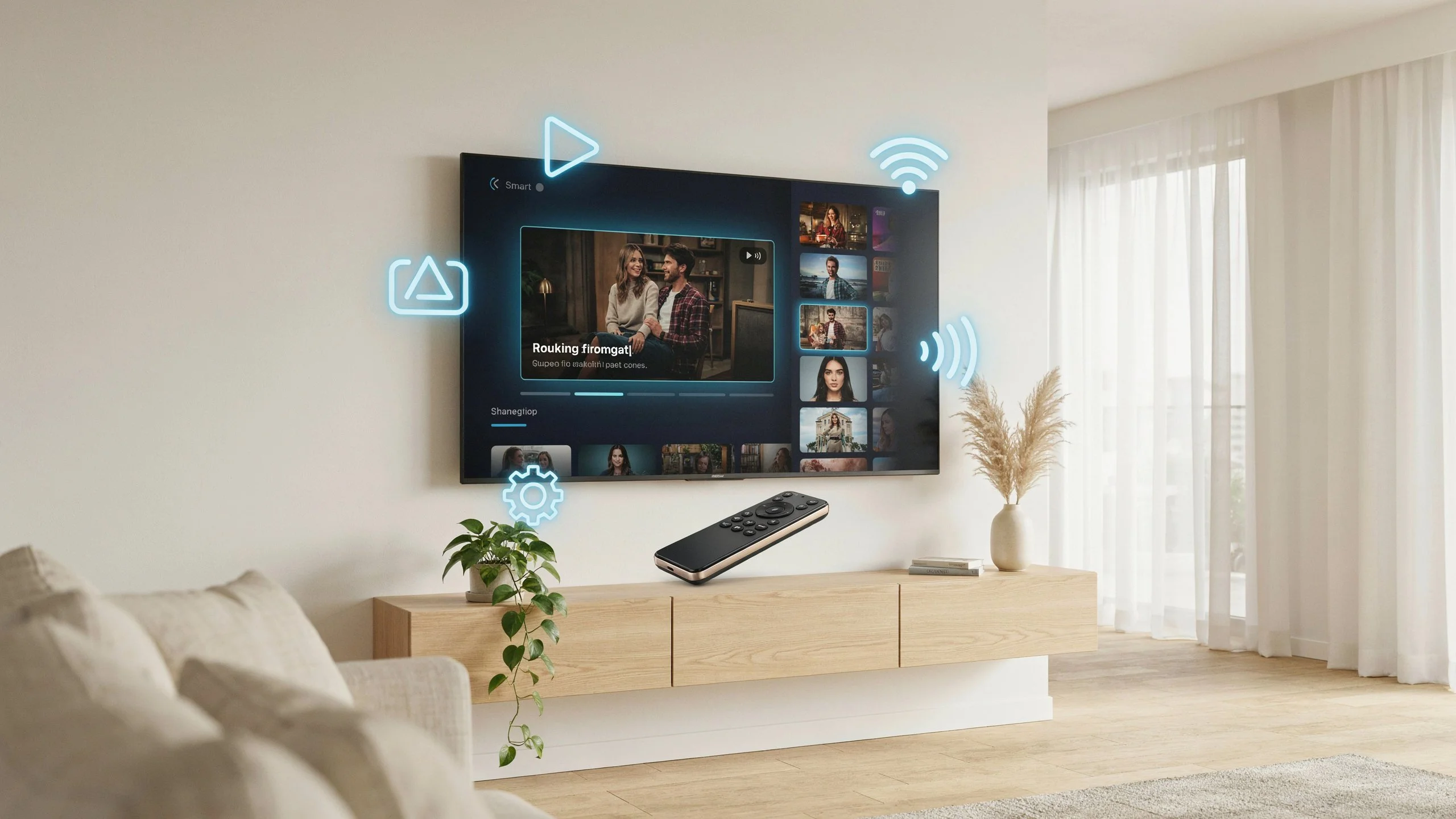
Smart TVs make it easier than ever to watch live television without relying entirely on traditional cable or satellite services. With the right app, you can access your streaming service, organize your content, and enjoy live TV directly from your television.
In this guide, we’ll look at what to consider when choosing the best live TV streaming apps, how these apps work, and which features matter most for a smooth viewing experience. If you use Digital Lizard IPTV, choosing a compatible and reliable player can also make a noticeable difference in your everyday streaming experience.
Whether you are buying your first Smart TV or looking for a better way to manage live TV, this guide will help you understand your options.
What Are Live TV Streaming Apps?
Live TV streaming apps are applications designed to play television content delivered over an internet connection. Depending on the service, an app may provide access to live channels, on-demand content, electronic program guides, recordings, or other features.
It is important to understand the difference between a streaming service and a streaming player.
A streaming service provides the actual content. A compatible player or Smart TV application can provide the interface used to access content supplied by your service.
Some IPTV services, for example, provide login information or a playlist that needs to be loaded into a compatible application. The exact setup depends on the provider and the app being used.
What Makes the Best Live TV Streaming Apps?
There are many live TV streaming apps, but they do not all offer the same experience. A good app should be easy to navigate and work reliably with your television.
Here are some features worth considering before choosing an app:
1. Easy-to-Use Interface
A clean interface makes a major difference, especially for beginners. Menus should be easy to understand, and important sections such as live TV, favorites, and the program guide should be easy to find.
2. Smart TV Compatibility
Before installing an application, check whether it supports your television’s operating system. Compatibility can vary between platforms and TV models.
Always verify compatibility before purchasing an app or subscription.
3. Electronic Program Guide
An electronic program guide, commonly called an EPG, can make live TV much easier to browse. Instead of opening channels individually, you can see scheduled programming in a guide-style interface.
For users who watch live television regularly, EPG support can be one of the most useful features.
4. Favorites and Categories
Large playlists can become difficult to navigate. Apps that support favorites, categories, or organized channel lists make it easier to find the content you watch most often.
5. Stable Playback
The app itself cannot guarantee a perfect stream because playback also depends on the streaming service, internet connection, network equipment, and device performance.
However, a well-designed player should handle supported streams efficiently and provide useful playback controls.
Best Streaming Apps for Smart TV: What Should You Look For?
When comparing the best streaming apps for Smart TV, avoid choosing an application based only on appearance or popularity.
Instead, consider your specific setup.
Check Your TV Platform
Different Smart TVs use different operating systems and app stores. Before selecting an application, check:
- Your TV brand and model
- The operating system installed on the TV
- Whether the app is available in your region
- Whether your streaming provider supports the application
- Whether the app requires a one-time or recurring payment
This simple check can prevent compatibility problems later.
Consider Your Streaming Service
Not every app supports every type of streaming connection.
Some services may provide a username and password, while others may use a playlist URL or another supported connection method. Always follow the setup instructions provided by your service.
If you use Digital Lizard IPTV, check the recommended application and setup instructions before entering your subscription details.
Live TV Apps for Smart TV: Native Apps vs Streaming Players
One of the most common points of confusion for beginners is the difference between native streaming apps and IPTV players.
Native Streaming Apps
Native apps are designed around a specific streaming service. You usually install the app, sign in with your account, and start watching.
These apps can be convenient because the service controls both the content and the application experience.
Streaming Players
A streaming player is generally designed to organize and play content supplied by another service.
This can be useful for users who want a single interface for their supported streaming setup. However, compatibility varies, so it is important to choose a player that supports your particular connection method.
How to Choose Among Smart TV Live TV Apps
The right choice depends on what you actually need.
For beginners, prioritize:
- Simple navigation
- Smart TV compatibility
- Reliable playback
- EPG support
- Favorites
- Search functionality
- Regular app updates
- Clear setup instructions
For more experienced users, additional features such as multiple playlists, parental controls, catch-up support, or advanced playback settings may be more important.
There is no single application that is perfect for every Smart TV user. Your TV platform, streaming service, and preferred features should determine your choice.
How to Improve Your Live TV Streaming Experience
Even the best live TV apps can experience problems if the underlying setup is poor.
Use a Reliable Internet Connection
Live streaming requires a consistent connection. If possible, connect your Smart TV to a stable Wi-Fi network or use Ethernet when your television supports it.
Restart Your Equipment
If playback suddenly becomes slow or stops working, restart your television and networking equipment. A simple restart can resolve temporary connection problems.
Keep Your App Updated
Developers regularly release updates that can improve compatibility, fix bugs, and introduce new features. Keep your streaming application updated when a legitimate update is available.
Avoid Unnecessary Background Activity
If your Smart TV is running many applications or processes, closing unused apps may help keep the device responsive.
Check the Source Before Blaming the App
Buffering does not always mean that the application is defective. The problem could come from the internet connection, streaming source, Wi-Fi signal, router, or device itself.
Troubleshooting each part of the setup can help identify the actual cause.
Digital Lizard IPTV on Smart TVs
If you use Digital Lizard IPTV, your Smart TV experience depends on choosing an application that is compatible with your television and supports the connection method provided with your subscription.
Before getting started, make sure you have:
- A compatible Smart TV
- A stable internet connection
- Your subscription information
- A supported streaming application
- The correct setup instructions
Once the application is installed, follow the provider’s instructions carefully and enter your credentials exactly as supplied.
Internal Linking Suggestions
For a stronger website structure, consider adding these internal links:
- Digital Lizard IPTV setup guide → Link to your Smart TV or IPTV setup guide.
- Digital Lizard IPTV subscription plans → Link to your main pricing/subscription page.
- How to watch IPTV on Smart TV → Link to a dedicated Smart TV installation tutorial.
Are the Best Live TV Apps Free?
Some live TV applications are free to install, while others require a one-time purchase or subscription.
However, an app being free does not necessarily mean it provides television content. Many applications function only as players and require a separate, legitimate streaming service.
Before paying for an application, check its pricing, supported devices, features, and compatibility with your streaming service.
Can You Use IPTV on a Smart TV Without a Streaming Box?
In many cases, yes. If your Smart TV supports a compatible application, you may not need a separate streaming device.
This can make Smart TVs a convenient option because the application can be installed directly on the television.
However, older television models may have limited application support. In those situations, an external streaming device may provide access to a wider range of applications.
Frequently Asked Questions
What is Digital Lizard IPTV and how does it work?
Digital Lizard IPTV is an IPTV service that can be accessed through compatible devices and supported applications. Depending on the device and setup, users may need to install a compatible IPTV player and enter the subscription details provided to them.
Can I use Digital Lizard IPTV on Smart TVs?
Yes, Digital Lizard IPTV can be used on compatible Smart TV setups when the television supports a suitable IPTV or streaming application. Compatibility depends on the TV platform and the application you choose.
How do I set up Digital Lizard IPTV on Firestick?
First, install a compatible IPTV player on your Firestick, then open the application and enter the subscription information supplied by your IPTV provider. The exact steps can vary depending on the application you choose.
What devices are compatible with Digital Lizard IPTV?
Compatibility depends on the application and device. Smart TVs, Firestick devices, Android-based devices, computers, and other supported platforms may work with compatible IPTV applications. Always check the requirements for your specific device before setup.
How can I reduce buffering when watching live TV?
Start by checking your internet connection and restarting your router and streaming device. If possible, use Ethernet or move your device closer to the Wi-Fi router. You should also check whether the issue affects one stream or multiple streams.
Which features should I look for in the best live TV streaming apps?
Look for compatibility with your device, simple navigation, EPG support, favorites, search, reliable playback, and regular updates. Your preferred features and streaming setup should ultimately determine which application is most suitable.
Conclusion
Choosing between the best live TV streaming apps does not have to be complicated. The most important factors are compatibility, ease of use, playback performance, EPG support, and whether the application works with your particular streaming service.
Smart TV users should also remember that an application and a streaming service are not always the same thing. A player may provide the interface while the actual content comes from a separate service.
If you are using Digital Lizard IPTV, start by checking your Smart TV model and selecting a compatible application. Once everything is configured correctly, a simple and well-organized setup can make live TV much easier to enjoy.
Ready to get started? Explore Digital Lizard IPTV subscription options and choose a plan that fits your compatible devices and viewing needs.