IPTV Setup on Smart TV (Updated Guide) | Digital Lizard IPTV
Introduction
If you’re looking for a simple way to watch TV shows, movies, and live channels without cable, Digital Lizard IPTV is an excellent solution. This guide will walk you through everything you need to know about IPTV setup on Smart TVs, whether you’re a beginner or just exploring new streaming options.
With the rise of streaming technology, using IPTV on your Smart TV has become easier than ever. This guide covers step-by-step instructions, recommended apps, and tips to ensure you enjoy a smooth viewing experience with us.
By the end of this article, you’ll have a clear understanding of how to install IPTV on your Smart TV and start streaming your favorite content hassle-free.
What is Digital Lizard IPTV?
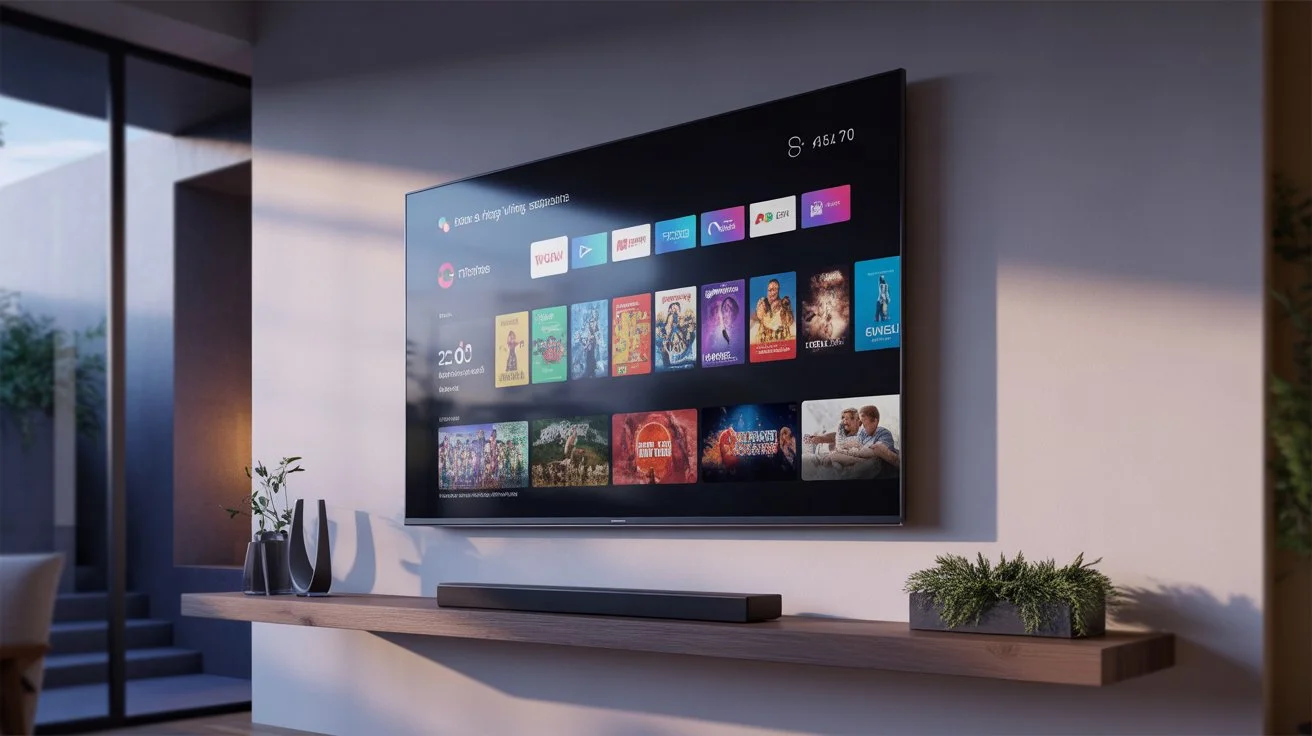
Is a subscription-based service that delivers live TV channels, movies, series, and on-demand content over the internet. Unlike traditional cable or satellite TV, IPTV streams content directly to your Smart TV, providing flexibility, high-definition quality, and a wide range of channels.
Benefits of our service:
Access hundreds of live TV channels
High-quality streaming with minimal buffering
Compatible with most Smart TVs and devices
Affordable and flexible subscription plans
How to Install IPTV on Smart TV
Setting up IPTV on your Smart TV is straightforward if you follow these steps carefully. Here’s a beginner-friendly guide:
Step 1 – Check Your Smart TV Compatibility
Ensure your Smart TV is connected to a stable internet connection
Most Samsung, LG, Sony, and Android TVs support IPTV apps
Step 2 – Choose the Right IPTV App
Some popular IPTV apps for Smart TV include:
Smart IPTV
TiviMate
GSE Smart IPTV
IPTV Smarters
Tip: Use apps recommended by Digital Lizard IPTV for seamless compatibility.
Step 3 – Install the IPTV App
Open your TV’s app store
Search for your chosen IPTV app
Download and install the app
Step 4 – Enter Your Credentials
Open the IPTV app
Enter the M3U URL or Xtream Codes provided by us
Save the settings and load the channels
Step 5 – Start Streaming
Once your channels are loaded, you can browse live TV, VOD, or movies. Customize your playlist, set favorites, and enjoy smooth streaming on your Smart TV.
Best Practices for IPTV Smart TV Setup
Always use a stable Wi-Fi connection or wired Ethernet for the best experience
Update your IPTV app regularly to prevent glitches
Clear cache occasionally to maintain smooth performance
Avoid using multiple devices on the same account simultaneously if your plan restricts it
Internal Linking Suggestions
Frequently Asked Questions
What is Digital Lizard IPTV and how does it work?
Digital Lizard IPTV delivers TV channels and on-demand content through an internet connection. It works on Smart TVs, streaming devices, and smartphones, giving you flexible access to your favorite shows without cable.
Can I use Digital Lizard IPTV on Smart TVs?
Yes! Digital Lizard IPTV supports most Smart TVs, including Samsung, LG, Sony, and Android models. Simply install a compatible IPTV app and enter your credentials.
How do I set up Digital Lizard IPTV on Firestick?
Install an IPTV app like TiviMate or IPTV Smarters on your Firestick, then input your login credentials. Channels will appear within minutes.
What devices are compatible?
Besides Smart TVs, Digital Lizard IPTV works on Firestick, Android boxes, smartphones, tablets, and computers, offering multi-device streaming flexibility.
How to troubleshoot buffering issues?
Check your internet speed, restart your IPTV app, reduce the number of active devices on your account, or switch to a wired connection for improved stability.
Conclusion
Setting up IPTV on your Smart TV has never been easier. With Digital Lizard IPTV, you get access to a wide range of channels, movies, and on-demand content with clear instructions and a smooth streaming experience.
Whether you’re a beginner or just switching from traditional cable, following this guide ensures hassle-free setup and enjoyment.
Try Digital Lizard IPTV today to enjoy seamless streaming on your Smart TV and unlock a world of entertainment at your fingertips.