
Introduction
Streaming TV has changed how people watch their favorite shows, sports, and news. Cable bills are high, and viewers want more control. That is where IPTV comes in. If you are new to IPTV streaming and want a simple, clear guide, you are in the right place. This beginner-friendly guide explains what IPTV is, how it works, and how services like digital lizard IPTV fit into modern streaming habits in the United States and Canada.
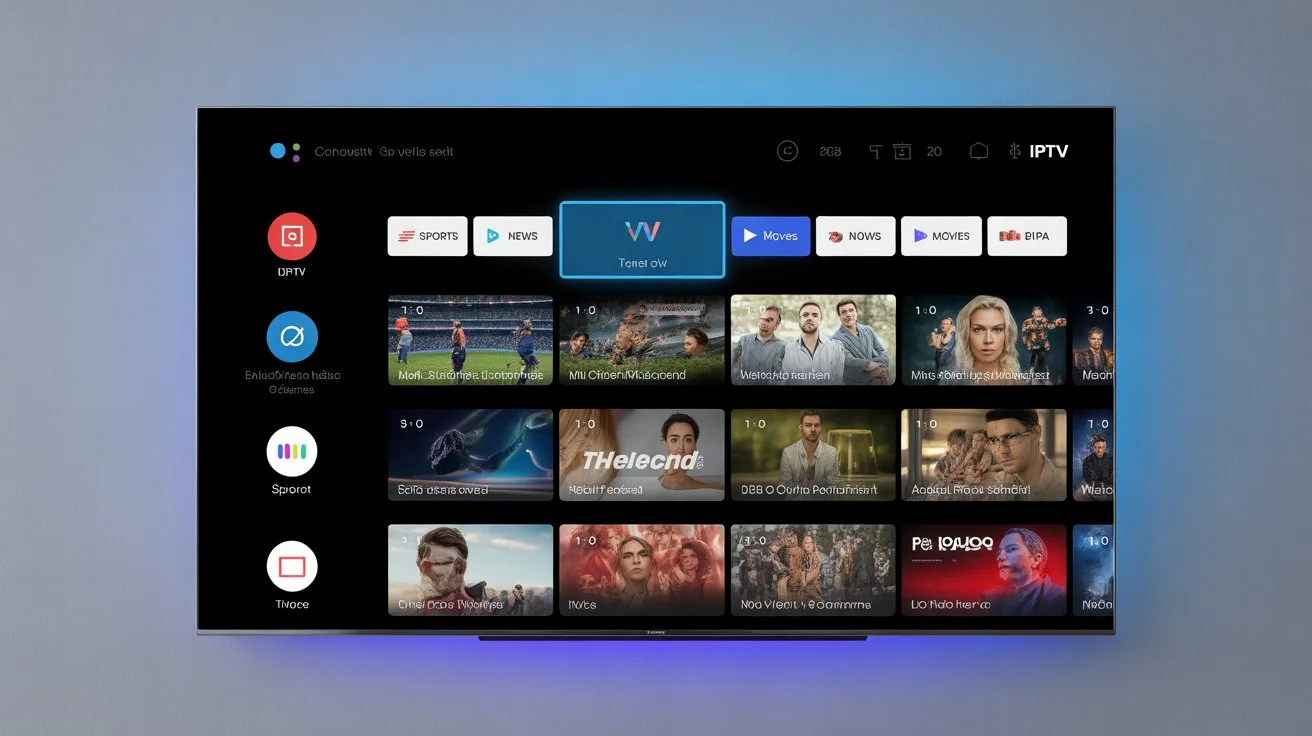
What Is IPTV?
IPTV stands for Internet Protocol Television. Instead of using cable or satellite signals, IPTV delivers TV channels and content through the internet.
With IPTV, you can watch:
Live TV channels
Movies and TV series on demand
Sports events and news
International and local channels
All you need is a stable internet connection and a compatible device.
How IPTV Streaming Works
Traditional TV sends signals through cables or satellites. IPTV streaming works differently.
Here is a simple breakdown:
TV content is stored on secure servers
The content is streamed over the internet
You watch it in real time or on demand
Think of it like Netflix or Hulu, but instead of only shows and movies, IPTV also includes live TV channels.
IPTV vs Cable TV: What’s the Difference?
Many beginners ask if IPTV is better than cable. Here is a clear comparison:
Cable TV
Fixed channel packages
Expensive monthly bills
Requires installation and hardware
IPTV
Flexible channel options
Lower cost IPTV subscription plans
Works on many devices
No long-term contracts
For many households in the U.S. and Canada, IPTV streaming is a smarter and more affordable option.
Devices You Can Use for IPTV
One of the biggest advantages of IPTV is device flexibility.
You can watch IPTV on:
Smart TV (Samsung, LG, Android TV)
Amazon Fire Stick or Fire TV
Android phones and tablets
iPhone and iPad
Windows or Mac computers
IPTV boxes
Most users prefer smart TVs or Fire Stick devices for a smooth experience.
What Do You Need to Get Started?
Getting started with IPTV is simple. Here is what you need:
A stable internet connection (at least 10 Mbps recommended)
A compatible device
An IPTV app (such as IPTV Smarters or similar players)
An active IPTV subscription
Once set up, you can start watching live TV within minutes. You can also check our setup guide for step-by-step instructions.
Understanding IPTV Subscriptions
An IPTV subscription gives you access to channels and content for a set period.
Most IPTV subscriptions include:
Thousands of live TV channels
Movies and TV series libraries
HD and 4K streaming options
Multi-device support (depending on the plan)
Prices are usually lower than cable. Many U.S. users pay between $10 per month, depending on features and device limits.
Is IPTV Legal and Safe?
This is a common question for beginners.
IPTV technology itself is legal. It is simply a way to deliver TV content over the internet. However, legality depends on the service provider and content rights.
To stay safe:
Choose trusted IPTV providers
Use strong passwords
Consider a VPN like ExpressVPN for privacy
VPNs are commonly used by streamers to protect personal data and improve security, just like many people do when using Netflix or Hulu on public networks.
IPTV Streaming Quality Explained
IPTV streaming quality depends on three main factors:
Internet speed
Device performance
Server reliability
Most IPTV services offer:
SD (Standard Definition)
HD (High Definition)
Full HD and 4K
For best results, use wired internet or strong Wi-Fi and close background apps.
Live TV and On-Demand Content
One reason IPTV is popular is the mix of live TV and on-demand content.
With IPTV, you can:
Watch live sports and news
Stream popular TV shows anytime
Access movie libraries without extra fees
This makes IPTV similar to combining cable TV and streaming platforms into one service.
IPTV for Sports Fans
Sports fans in the U.S. and Canada love IPTV.
IPTV often includes:
Football, basketball, and hockey
International sports channels
Pay-per-view events
You can watch games live on your smart TV without expensive sports packages.
IPTV for Families
IPTV is also family-friendly.
Many services offer:
Kids channels
Educational content
Parental controls
This makes IPTV a good choice for households with different viewing needs.
Why Many Users Choose Digital Lizard IPTV
For beginners, choosing the right provider matters. Digital lizard IPTV is designed to be easy to use and reliable.
Users choose digital lizard IPTV because:
Simple setup process
Stable IPTV streaming
Works on smart TV and mobile devices
Affordable IPTV subscription options
It is suitable for both new users and experienced streamers.
Common IPTV Mistakes to Avoid
If you are new to IPTV, avoid these mistakes:
Using weak internet connections
Installing apps from unknown sources
Sharing your account details
Ignoring setup instructions
Following a proper setup guide helps prevent buffering and login issues.
Tips for a Better IPTV Experience
Here are some beginner tips:
Restart your device weekly
Update your IPTV app regularly
Use Ethernet if possible
Close unused apps
These simple steps improve IPTV streaming quality.
Conclusion: Ready to Start Streaming?
IPTV is an easy and affordable way to enjoy live TV, movies, and sports without cable. It works on smart TVs, phones, and streaming devices. For beginners, the key is choosing a reliable provider and following the right setup steps.
If you are ready to upgrade your streaming experience, try digital lizard IPTV today.
