Best IPTV Apps for Firestick (Easy Setup & Tips) | Digital Lizard IPTV
Streaming live TV and on-demand content has never been easier, thanks to IPTV solutions. If you’re looking for Digital Lizard IPTV and the best way to enjoy it on your Firestick, this guide will walk you through everything you need to know. From top apps to setup tips, we’ve got you covered.
Whether you’re new to IPTV or simply exploring your options, this article helps you find the best IPTV apps for Firestick in 2026 and ensures a smooth streaming experience.
Why Choose Digital Lizard IPTV for Your Firestick?
Digital Lizard IPTV stands out for its reliability, high-quality streams, and user-friendly interface. Many beginners prefer it because:
Easy installation on Amazon Firestick devices
Access to thousands of live TV channels and on-demand content
Stable streams with minimal buffering
Compatible with popular IPTV apps
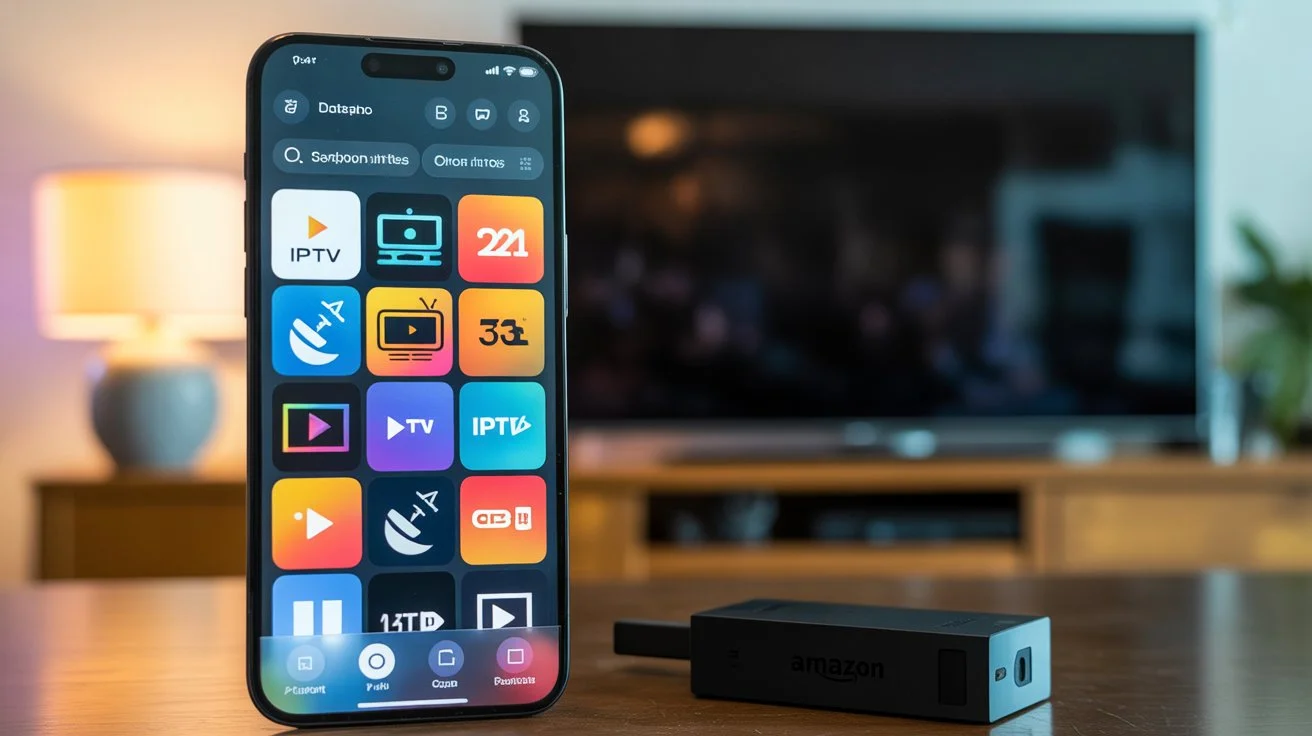
Using the right apps is crucial for maximizing your Firestick experience. Let’s dive into the top IPTV apps for Firestick that work seamlessly with Digital Lizard IPTV.
Top IPTV Apps for Firestick in 2026
Here are the most reliable Firestick IPTV apps you can use with Digital Lizard IPTV:
1. TiviMate IPTV Player
User-friendly interface for beginners
Supports multiple playlists and EPG guides
Customizable layout and theme options
Works perfectly with Digital Lizard IPTV
2. IPTV Smarters Pro
Smooth integration with Firestick
Supports live TV, movies, and series
Easy to configure and manage multiple accounts
Recommended for advanced users who want more features
3. Smart IPTV
Lightweight and fast on Firestick
Great for beginners due to simple setup
Supports multiple IPTV services including Digital Lizard IPTV
4. XCIPTV Player
High compatibility with Firestick 4K
Offers EPG, catch-up, and VOD support
Frequent updates ensure stability and security
5. Perfect Player IPTV
Clean, professional interface
Supports playlists in M3U and XSPF formats
Reliable for high-quality streaming with Digital Lizard IPTV
How to Set Up IPTV on Firestick
Setting up Digital Lizard IPTV on your Firestick is straightforward. Follow these steps for a smooth experience:
Enable Apps from Unknown Sources:
Go to Settings → My Fire TV → Developer Options → Turn on “Apps from Unknown Sources.”
Install Your Preferred IPTV App:
Download TiviMate, IPTV Smarters, or any compatible app from the Amazon App Store or via sideloading.
Add Digital Lizard IPTV Playlist:
Open the app → Add Playlist → Enter your Digital Lizard IPTV credentials or M3U URL.
Configure Settings:
Adjust video quality, EPG guides, and parental controls as needed.
Enjoy Streaming:
Navigate channels, explore VOD, and enjoy your favorite shows instantly.
Tips for the Best IPTV Experience on Firestick
Use a Stable Internet Connection: Streaming in HD or 4K requires at least 15 Mbps.
Keep Apps Updated: Ensure your IPTV apps are updated for better security and features.
Restart Firestick Regularly: Helps reduce buffering and improves app performance.
Enable VPN (Optional): Protects privacy and ensures uninterrupted streaming.
Internal Linking Suggestions
Learn more about Digital Lizard IPTV setup for beginners.
Explore Digital Lizard IPTV subscription plans to get started.
Check our guide on best Smart TVs apps for 2026.
Call To Action
Try Digital Lizard IPTV today to enjoy seamless streaming on your Firestick. With easy setup, stable streams, and thousands of channels, it’s the perfect solution for beginner and advanced users alike.
Frequently Asked Questions
What is Digital Lizard IPTV and how does it work?
Digital Lizard IPTV is a streaming service that delivers live TV channels, movies, and on-demand content over the internet. Using compatible apps like TiviMate or IPTV Smarters, you can access content directly on Firestick.
Can I use Digital Lizard IPTV on Smart TVs?
Yes! Digital Lizard IPTV works on Firestick, Android TV, Smart TVs, and other devices supporting IPTV apps.
How do I set up Digital Lizard IPTV on Firestick?
Enable apps from unknown sources, install a compatible IPTV app, and add your Digital Lizard IPTV playlist. Detailed steps are outlined in our setup guide above.
What devices are compatible with Digital Lizard IPTV?
Amazon Firestick and Fire TV
Android TV and boxes
Smart TVs with IPTV apps
Android and iOS devices
How to troubleshoot Digital Lizard IPTV buffering issues?
Check your internet speed and connection stability
Close background apps on your Firestick
Update your IPTV app and Firestick software
Restart the device for smoother streaming
Conclusion
Finding the best IPTV apps for Firestick is essential for a seamless streaming experience. With Digital Lizard IPTV, you get reliable streams, easy setup, and access to a wide range of content suitable for beginners and experienced users alike.
Start streaming smarter today—try Digital Lizard IPTV and transform your Firestick into the ultimate entertainment hub.