
Table of Contents
Introduction
Choosing the right device is just as important as choosing a good IPTV service. The right setup can mean smooth streaming, clear picture quality, and easy access to live TV and movies. With so many options available today, beginners often feel confused. This guide breaks down the best devices to use with IPTV services, explains their pros and cons, and helps you find the best option for your home in the United States and Canada.
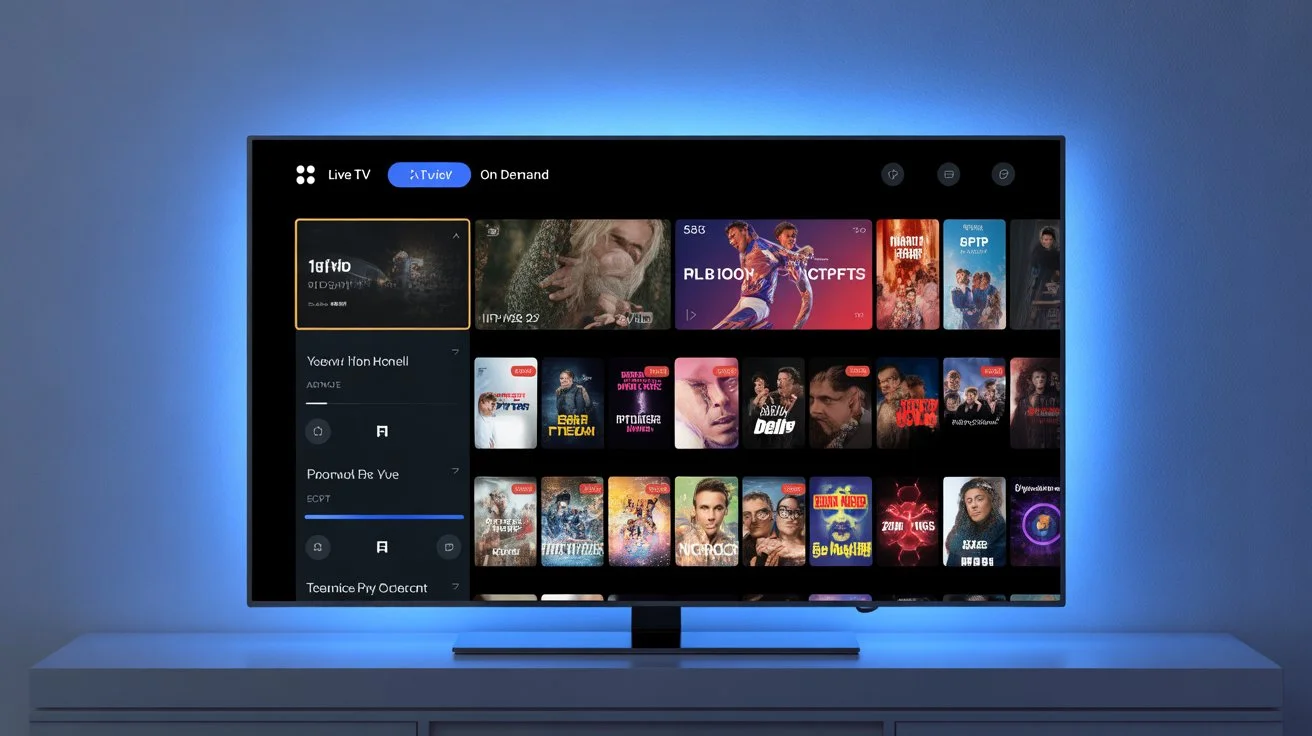
What Makes a Device Good for an IPTV Service?
Not all devices handle IPTV streaming the same way. A good IPTV device should offer:
-
Stable internet connection
-
Support for IPTV apps
-
Smooth video playback (HD or 4K)
-
Easy remote control or interface
Most modern devices meet these needs, but some perform better than others.
Smart TVs: The Most Popular Choice
Why Smart TVs Work Well with IPTV
Smart TVs are one of the most common ways people watch IPTV today. Many homes in the U.S. and Canada already have a smart TV, making it an easy starting point.
Smart TVs support IPTV apps directly, so no extra hardware is needed.
Best Smart TV Brands for IPTV
-
Samsung Smart TV
-
LG Smart TV
-
Android TV (Sony, TCL, Hisense)
Pros
-
No extra device required
-
Clean and simple interface
-
Works well for live TV and streaming
Cons
-
Limited app options on some models
-
Older TVs may be slower
 Learn more about best iptv apps for smart tvs.
Amazon Fire Stick and Fire TV
Why Fire Stick Is a Top IPTV Device
The Amazon Fire Stick is one of the most popular IPTV devices in North America. It is affordable, fast, and easy to use.
Prices usually range from $30 to $50 USD, making it a budget-friendly option.
Pros
-
Strong app support
-
Smooth IPTV streaming
-
Portable and easy to install
Cons
-
Requires Amazon account
-
Needs good Wi-Fi signal
Fire Stick works very well with most IPTV services and is great for beginners.
Android TV Boxes
What Is an Android TV Box?
Android TV boxes are standalone devices that run Android. They allow full control over IPTV apps and settings.
Popular examples include:
-
NVIDIA Shield
-
Xiaomi Mi Box
Pros
-
Powerful performance
-
Supports many IPTV apps
-
Good for advanced users
Cons
-
Higher price (some over $150 USD)
-
More settings to manage
Android TV boxes are ideal if you want flexibility and strong performance for your IPTV service.
Apple TV
Using IPTV on Apple TV
Apple TV is popular among iPhone and iPad users. It offers a smooth interface and strong performance.
Some IPTV apps are available on Apple TV, but options may be more limited compared to Android.
Pros
-
Fast and reliable
-
Clean user experience
-
Good for Apple users
Cons
-
More expensive (starting around $130 USD)
-
Fewer IPTV apps
Apple TV is best for users already invested in the Apple ecosystem.
Smartphones and Tablets
IPTV on Mobile Devices
You can use an IPTV service on smartphones and tablets, both Android and iOS.
This option is best for:
-
Watching on the go
-
Travel
-
Backup viewing
Pros
-
Portable and convenient
-
Easy app installation
Cons
-
Small screen
-
Not ideal for long viewing sessions
Mobile devices are useful but not the main choice for home IPTV streaming.
Computers and Laptops
IPTV on Windows and Mac
Many users watch IPTV on their computers using web players or apps.
This option works well for:
-
Office or personal use
-
Testing IPTV services
Pros
-
Large screen options
-
Easy setup
Cons
-
Not as comfortable as TV viewing
-
Requires sitting at a desk
Computers are practical but less popular than TVs or streaming devices.
IPTV Boxes (Dedicated Devices)
What Are IPTV Boxes?
IPTV boxes are designed mainly for IPTV streaming. They usually come pre-configured or allow easy setup.
Pros
-
Simple IPTV-focused design
-
Good for non-technical users
Cons
-
Limited flexibility
-
Depends heavily on provider support
Some users prefer these boxes for simplicity, but they are not always necessary.
Internet Connection Matters More Than the Device
Even the best device will not work well without good internet.
Recommended speeds:
-
SD streaming: 5 Mbps
-
HD streaming: 10–15 Mbps
-
4K streaming: 25 Mbps or more
Wired connections or strong Wi-Fi improve IPTV streaming quality.
IPTV Devices and Streaming Apps
Most IPTV services work with popular IPTV players. These apps manage channels, live TV, and on-demand content.
IPTV works similarly to platforms like Netflix or Hulu, which also stream content over the internet. The difference is IPTV focuses on live TV channels as well.
Security and Privacy Tips
Many IPTV users choose to protect their connection with a VPN like ExpressVPN. This can help with privacy and secure streaming, especially on public networks.
VPN use is common among streamers and does not affect IPTV quality when configured properly.
Best Device for Beginners (Quick Summary)
If you are new to IPTV services, here are simple recommendations:
-
Best overall: Amazon Fire Stick
-
Best built-in option: Smart TV
-
Best performance: Android TV box
-
Best for Apple users: Apple TV
Each option works well depending on your needs and budget.
Why Device Choice Matters for IPTV Subscriptions
A good device ensures:
-
Less buffering
-
Better picture quality
-
Easier navigation
Pairing the right device with a reliable IPTV subscription makes a big difference.
Why Many Users Choose Digital Lizard IPTV
When combined with the right device, digital lizard IPTV delivers a smooth and enjoyable experience.
Users choose digital lizard IPTV because:
-
Works on most popular devices
-
Easy setup for beginners
-
Stable streaming for live TV
-
Affordable IPTV subscription plans
It is suitable for households in the U.S. and Canada looking for flexibility and value.
Conclusion: Choose the Right Device and Start Streaming
The best device for IPTV depends on your viewing habits, budget, and comfort level. Smart TVs and Fire Stick devices are perfect for beginners, while Android TV boxes offer more power for advanced users.
No matter which device you choose, a reliable IPTV service is key. Ready to upgrade your streaming? Try digital lizard IPTV today. Learn more how to set up iptv on smart tv.